
Check-in & access
The door never stops.
At the entrance, decisions take seconds, often with no supervisor nearby. EVENTMATIC gives the operator a clear answer to every scan, and keeps track of every exception.
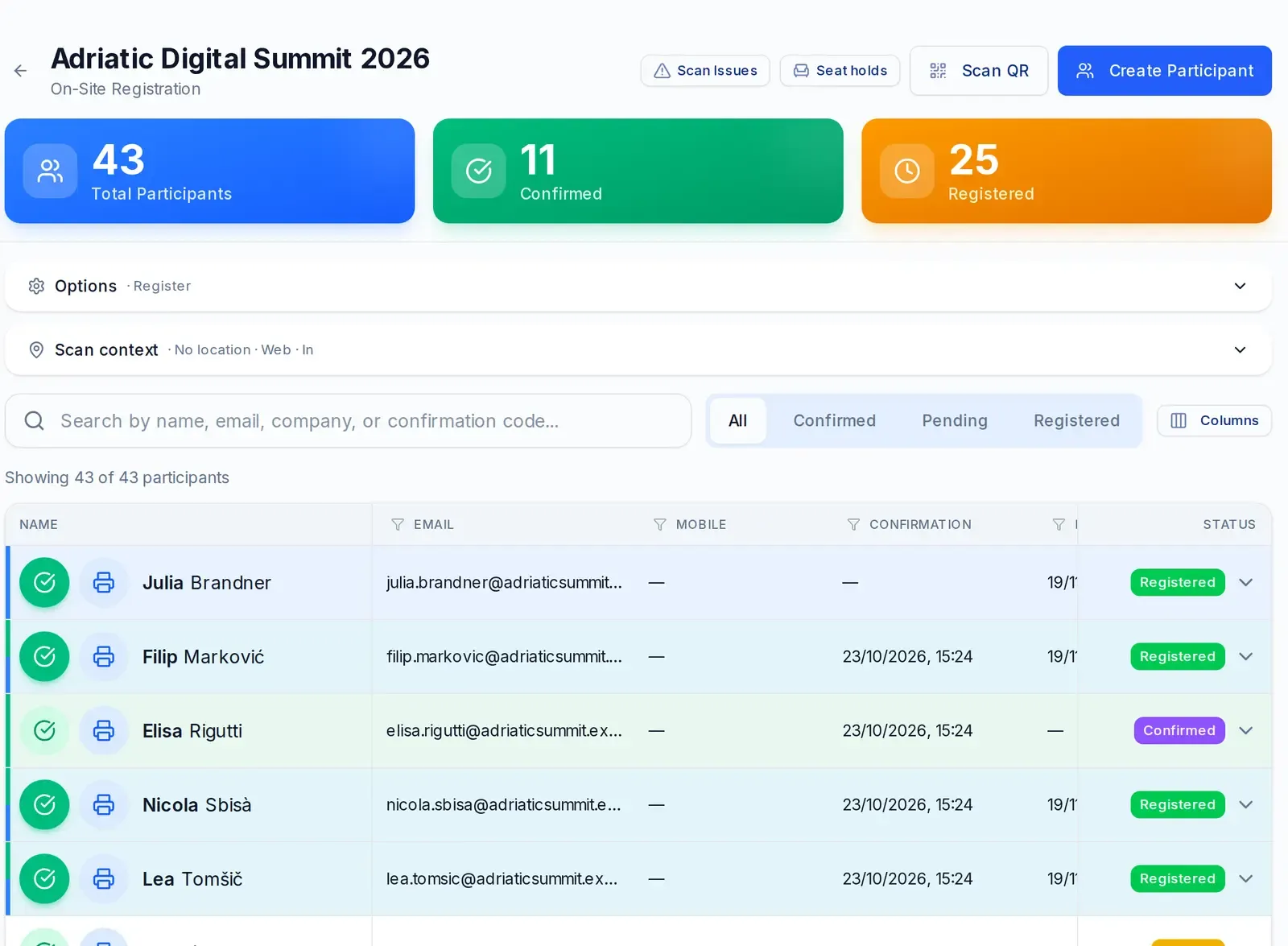
Green, duplicate, denied.
At the web desk the operator scans the QR code or searches for the person by name. There is one answer: valid entry, already in or access denied, with the reason.
And if an exception is needed?
The operator can let the person in anyway. The denied scan stays in the log, with the name of whoever decided and the time.

- OK
- Duplicate
- No access
- Allowed, with the operator's name
Even when there's no network.
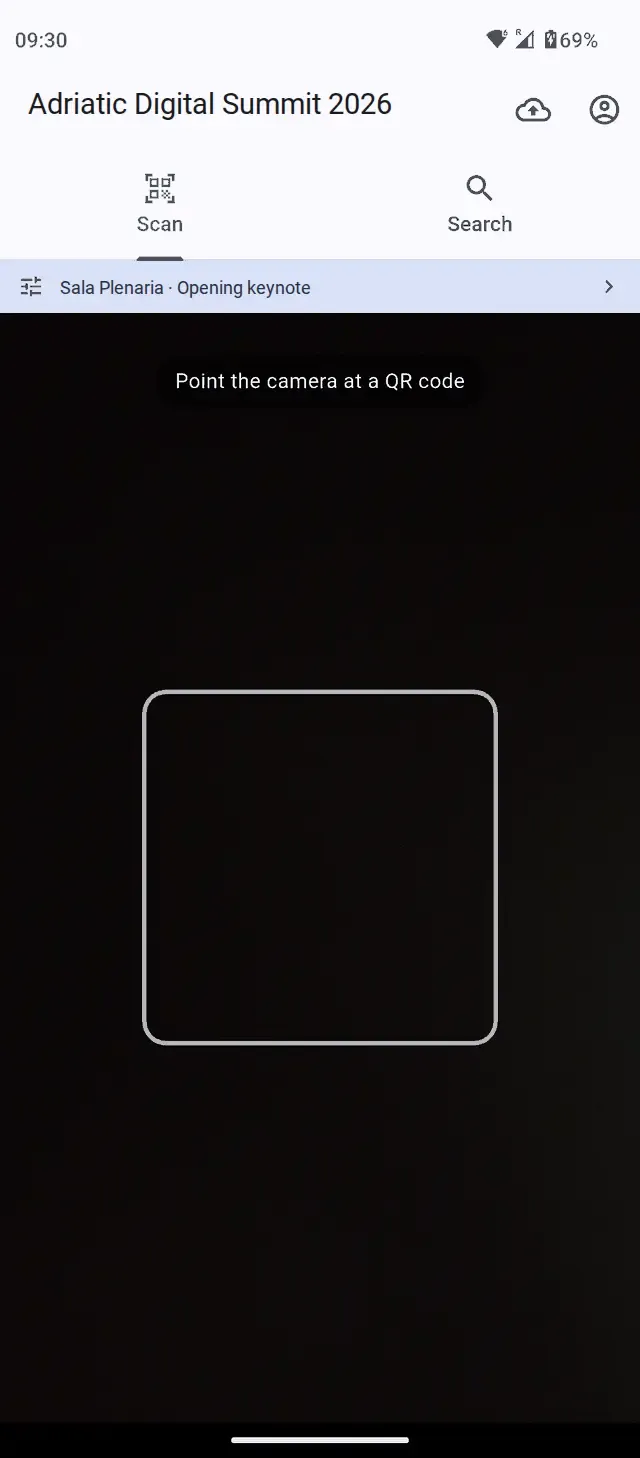
The EVENTMATIC Check-in app reads QR codes with the phone's camera. If the connection drops, it keeps reading: scans wait in a queue on the phone and, at sync, are checked with the real time of each entry. Signing in to the app is protected by two-factor authentication.
The app is for Android. It is installed from the EVENTMATIC Help Center.
Access rules
Who gets in, where, and how many times.
Check-in straight from the map.
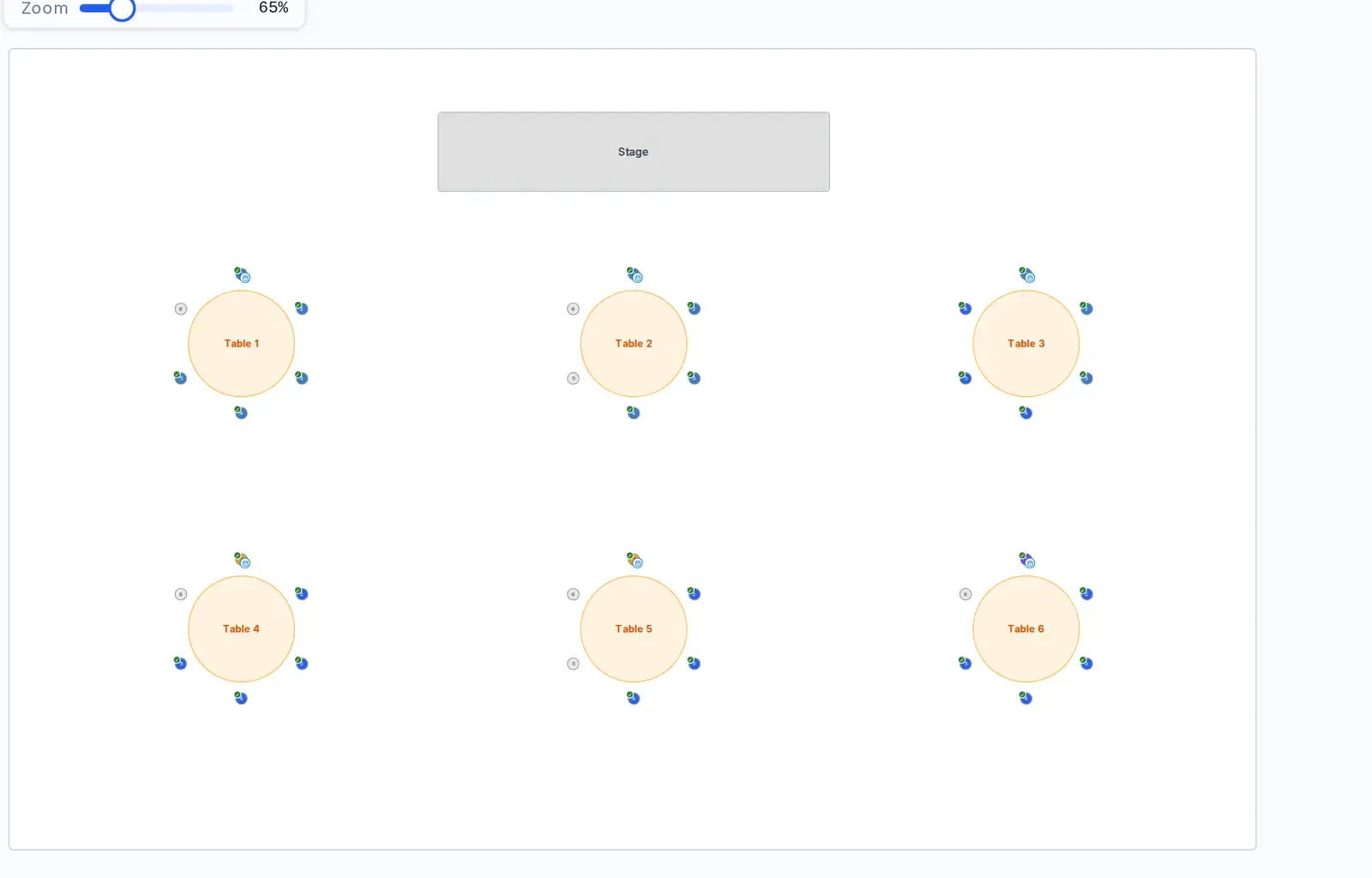
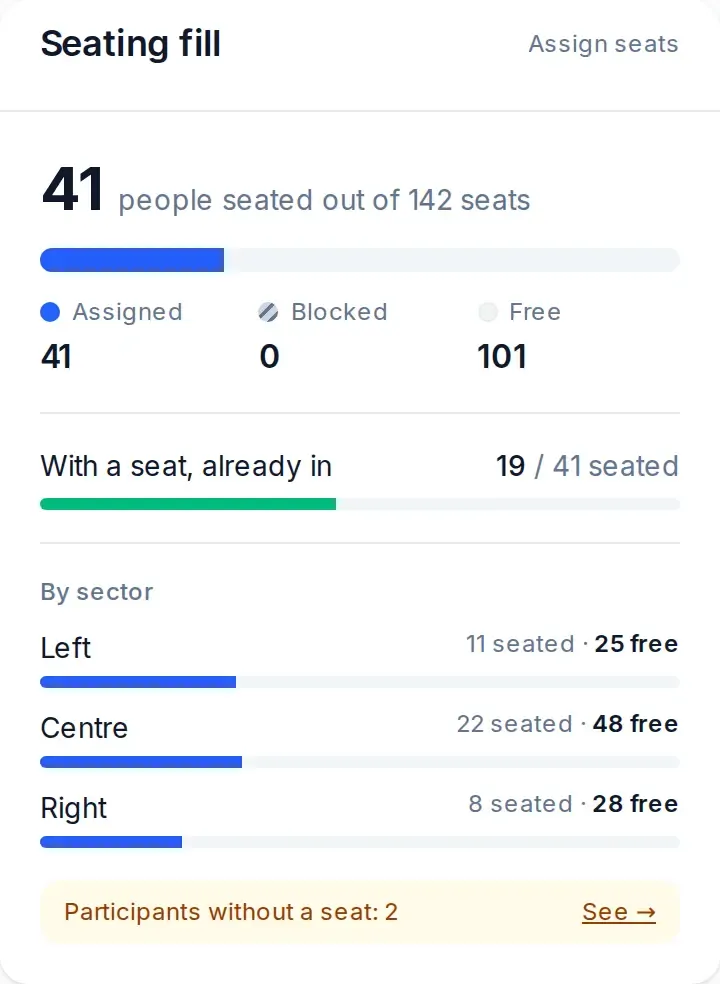
At seated events the door staff see the room and tick people off in their seat. Seats are ticked off as the audience sits down.
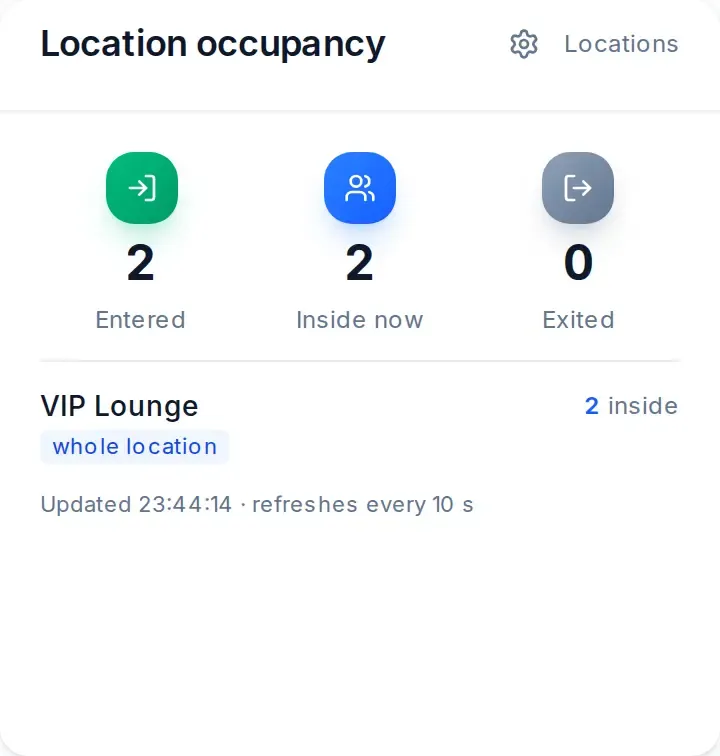
How many people are inside, live.
For every room and every area the dashboard shows who is inside right now. Entries, exits and no-shows update as the event goes on.
Minors and release forms
Events open to minors.
If the event requires it, the question about the minor's release form appears at the door, once per person.
Turnstiles and readers
Turnstiles, gates and readers.
Turnstiles, gates and readers connect to EVENTMATIC through its device API and get the same rules as the app: allow or deny, direction, anti-passback. We set them up for your event.
On-site servicesLet's see it on an event like yours.
Tell us about the event: what kind, how many people, when. We'll show you EVENTMATIC on a case like yours, from the invitation to the door.
Or write to [email protected]