
AI assistant
Ask your event. It answers with the real numbers.
An assistant inside EVENTMATIC that knows the manual and your event’s data: how many people are in, how many seats are left, how the last invitation went. And tools that read a programme or summarise a hundred answers for you.
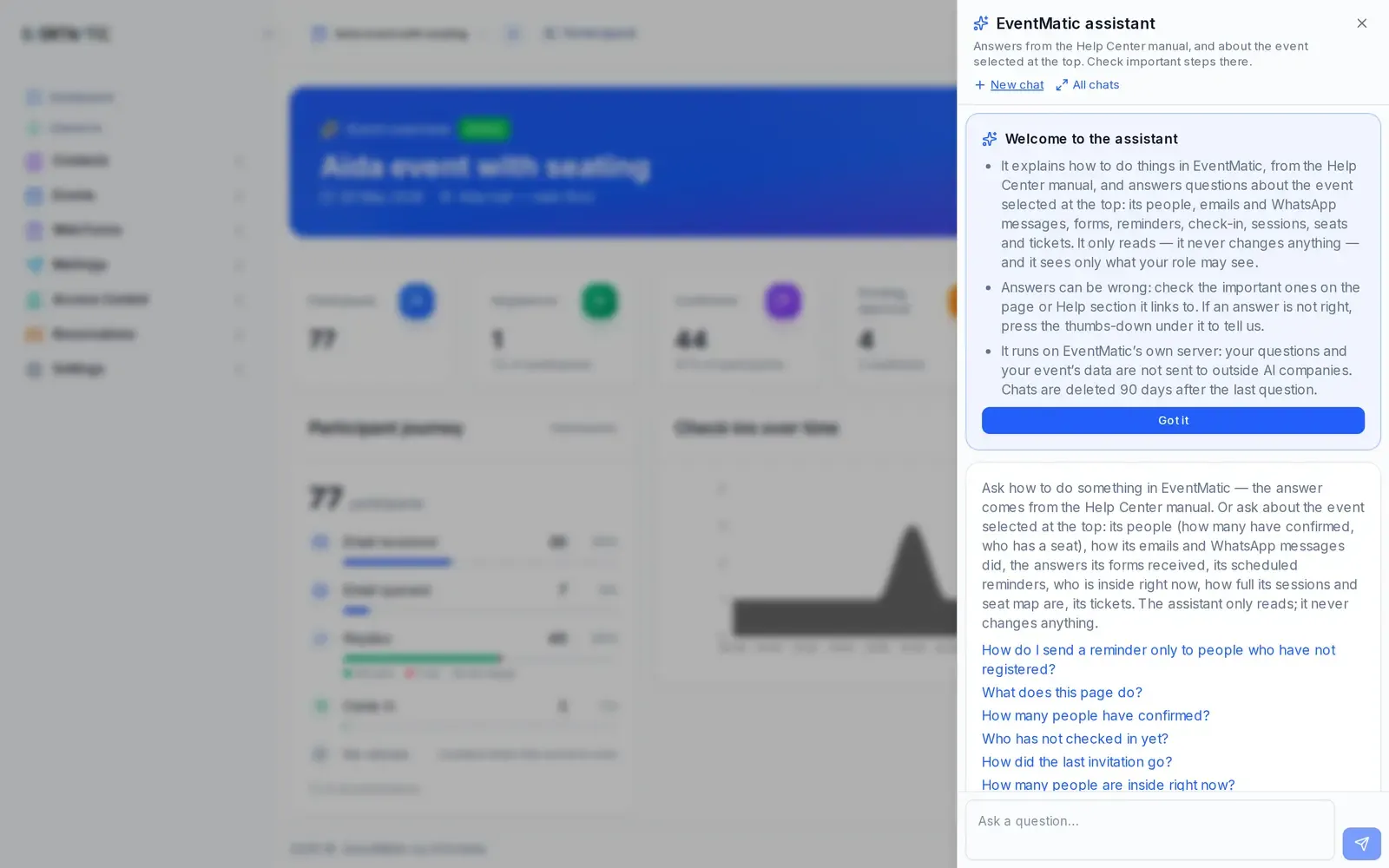
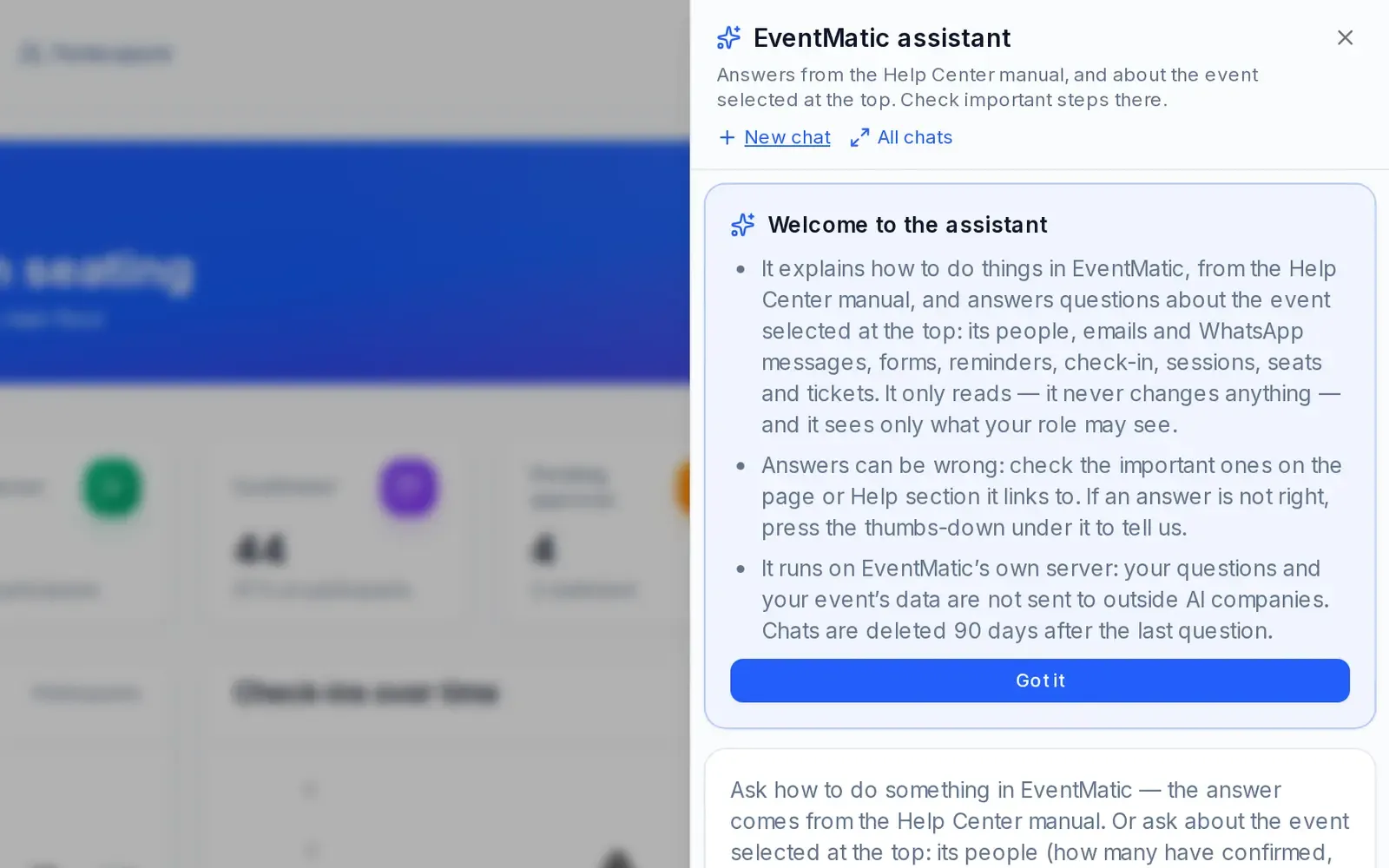
Questions about the event, answers with a link to the right page.
Type the question the way you would ask a colleague. The assistant answers about the event you have selected and takes you to the page the numbers come from. It only reads: it never changes anything.
- How many people are in the hall right now?
- Is the workshop full? How many seats are left in the stalls?
- How did yesterday's invitation go? How many registrations came in this week?
- When does the next reminder go out?
- How do I print a badge? The answer comes from the manual, with the section cited.
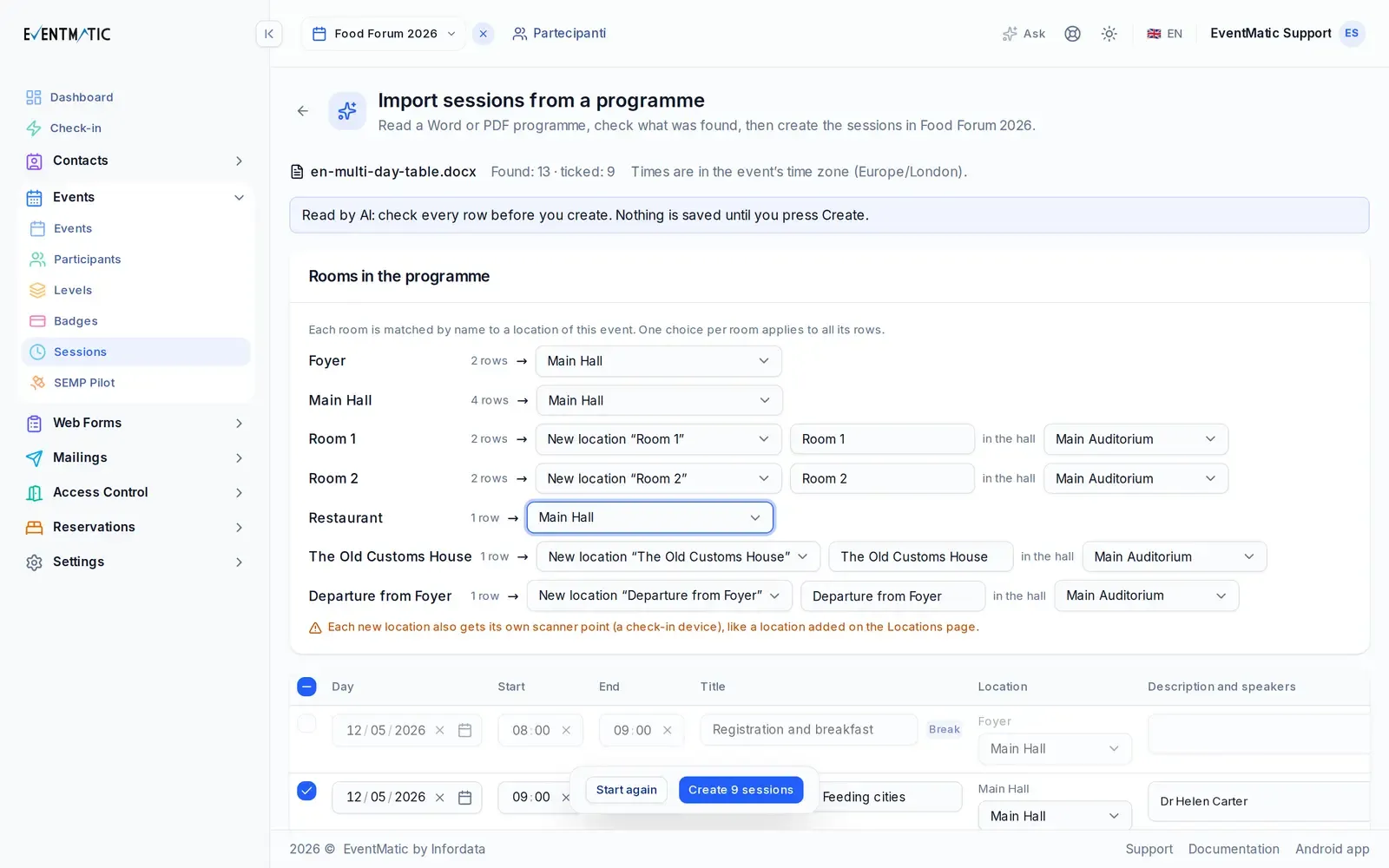
Upload the programme, and the sessions are ready to check.
A Word or PDF programme becomes the list of sessions: days, times, titles, rooms, speakers. You check it row by row and create everything in one click, with an undo. A new version of the programme arrives? EVENTMATIC shows you what changed. You can also start a new event from the programme.
The other tools.
Let's see it on an event like yours.
Tell us about the event: what kind, how many people, when. We'll show you EVENTMATIC on a case like yours, from the invitation to the door.
Or write to [email protected]